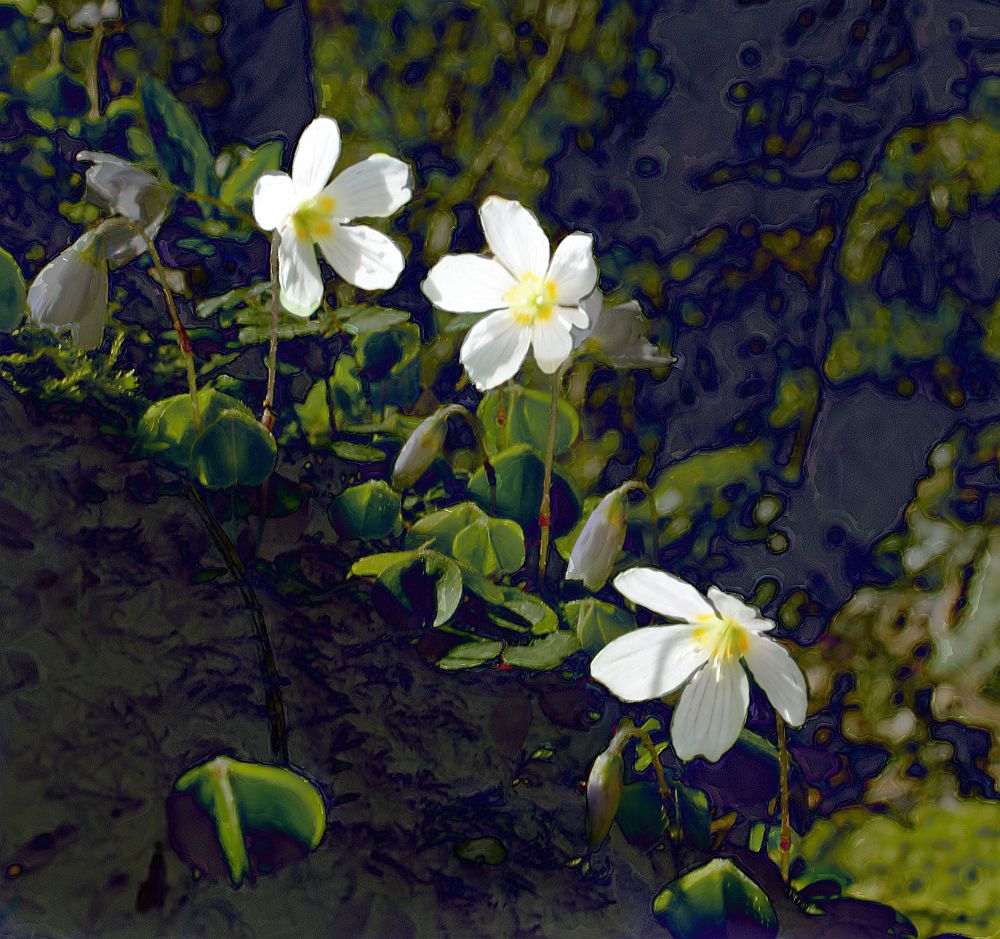
Taking something, in this case flowers or weeds, which normally wouldn't be worthy of a second glance, and seeing it from a new perspective reveals details and textures which could be missed.
It opens up a whole new world of possibilities!
 Taking something, in this case flowers or weeds, which normally wouldn't be worthy of a second glance, and seeing it from a new perspective reveals details and textures which could be missed.
 Two different uses of flowers - the first a macro image of a clematis with one of my textures, the second a small textile piece using dried, pressed hydrangeas, together with embellished cocoon strippings, stitches and beads added. But where has all the warm weather gone! Even the newly-planted sunflowers have taken a battering in the wind - and they are all part of a competition!


 I created these three images using displacement maps in Paint Shop Pro. Took me ages to work out how to do it as the manual wasn't much help and too complicated but finally got there!
 A bank of bluebells at Allen Banks! Well worth a visit with some lovely walks in the area.
 I took this using my Canon camera and used psp to alter it slightly. I have been using both Paint Shop Pro and Elements 9 and find it useful to have both as each has advantages when it comes to digitally altering an image. I find Photoshop good for layers and layer masks as well as effects, but Paint Shop Pro is much better (in my opinion) for printing out images, accessing folders, photo layouts, frames and borders and using the displacement map effect with two images. It's handy having them (not on the same computer) so I'll continue using them both.
 Ok, so it's stretching it a bit! A borrowed hat and sunglasses and lots of fun! A photo of some seedheads altered in the Corel Painter programme. This programme has lots of possibilities but I'm just dipping my toe in at the moment, so to speak. Anyone else used it?

 Something old - yew tree, at least 900 years old, planted in Beltingham graveyard, believed to ward off evil spirits. New growth seen on a walk at Allen Banks, which is said to be a good spot for seeing lots of bluebells. I'll put it in the diary!


 'Consider how the lilies grow ...'
 I always like to see the before and after images which folks put on their blogs and as I haven't mastered the mouseover , here is an image of tulips in the snow with two of my textures from the previous post. I should have given them names to make them easy to identify but they are easy to pick out I think.


 Some of the textures I've made to use with photos. By changing blend modes, hue and sat etc there is an unlimited source of variations. Now to do something with them!


 Hope it's sunny where you are!